
Tutorials
Library Features
Find out more information or view video Tutorials our YouTube channel.
Notification Alerts
Use the free My Account feature to follow codes and be alerted when updates are made. Receive emails automatically when codes you follow are updated. Notification alerts can be tailored to the material you follow, from an entire code, to just a specific section of the code. Toggle the Bell icon on or off to follow a code.
Annotations
This feature is only available to users with a free My Account. Users who are logged in to their account can toggle on/off the annotation feature. A small note icon appears next to each code paragraph or title when toggled on. Textual notes can be saved in the pop-up note, or add multiple notes per location if needed.
Bookmarks
Frequently need to reference a municipal code provision? Set a bookmark to the Title, Chapter, or Section of a code and use your free My Account for quick reference, or copy the URL and save it in your browser’s favorites list.
Saved Searches
Saved searches allow you to conduct a search and save the preset requirements as a managed search. If your search is specific to a code or even a section of a code, or if it involves a specific phrase, rather than re-run the search each time, set it up once and then use your free My Account for a list of saved searches, or use the drop-down menu under the Advanced Filters to access a saved search.

Further Features
Auto-Device Recognition
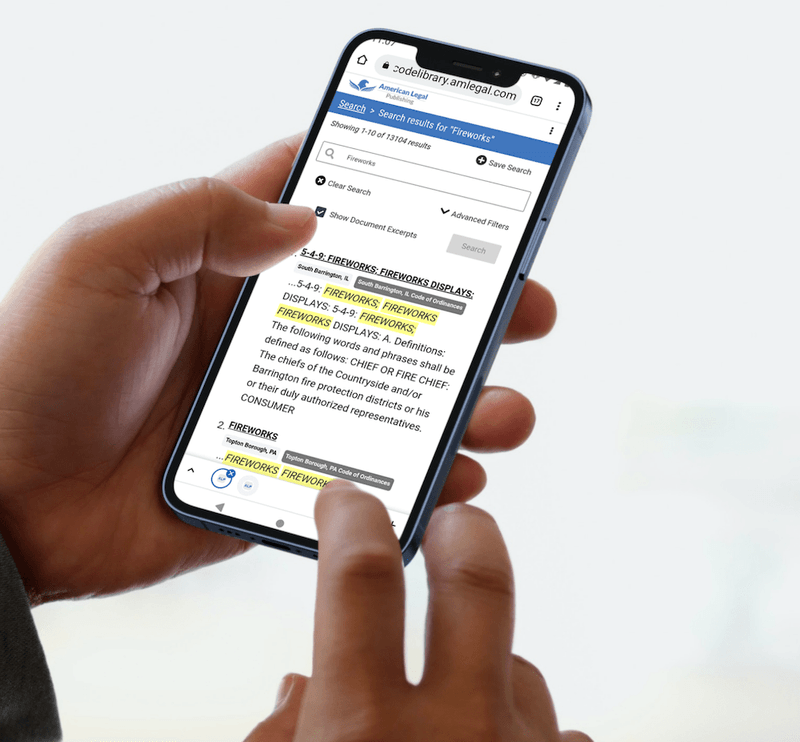
Automatically sized to fit the screen size of your mobile, tablet, or computer
Multiple Search Formats
Quick Search Box
Advanced Search Filters, including Boolean Search
Search by Document Relevance or Document Order
Automatic Stem Searches (finds plurals of words)
Dog finds dog and dogs
Fence finds fence, fences, fencing and fenced
Synonym Searches
Grass finds grass, turf, lawn
Garbage finds garbage, litter, trash, rubbish
Continuous Next Hits
Navigate through all hits without having to go back to the Results List for each chapter
Electronic Format
Online document flows uninterrupted; no page breaks or page numbers to interrupt the text
Download or Email text in 6 different format types including RTF and PDF
Expandable Table of Contents
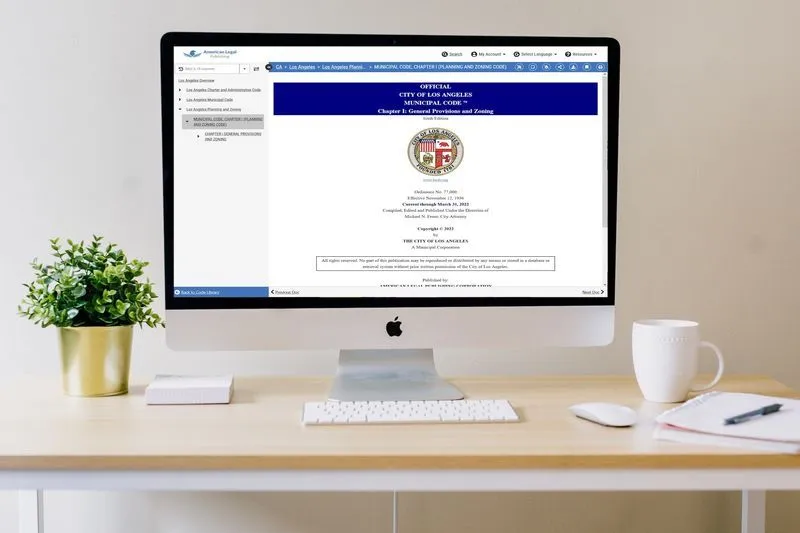
View and navigate the TOC while also viewing code text
Cross-References Hyperlinked
Cross-references to other sections, including penalty references are hyperlinked

Optional Online Services
Archive Code Versions
View prior code versions
Compare current and older versions to see changes
Color Graphics
Yes – if provided in color by the City
Scrolling Tables
Table header row remains stationary while table scrolls
Definition Links
Defined terms in the code are set with pop-up definitions
New Ordinances History Links
As new ordinances are added to the code section history list, links to the original ordinance can be set
Advance Legislation Notice
List of Ordinances not yet codified within the code; Link to full PDF of ordinances
Custom Logo
Seal or logo posted on code library
Online Help Features
Use online help features or contact technical service via email or toll-free phone number
FREE Code Library Account
You can create a personal, private account to store search information, any bookmarks under “My Account.”
Use our free My Account feature to customize your experience: from saving frequent searches, to bookmarking material you need to access frequently, or following codes to receive notifications when updates are published.
Find out more information and help on our YouTube channel.
Get in touch
We’ve helped hundreds of municipalities codify laws since our inception more than 80 years ago, and we would like to bring that experience to your next project.
Reach out using the form below.
Tina Abriani City Clerk, Quartzsite AZ